Four modes
One tool for each kind of bad photo.
Pick the mode that matches what you can see: too small, too grainy, a little soft, or a face that needs help. Each one says plainly what it cannot do.
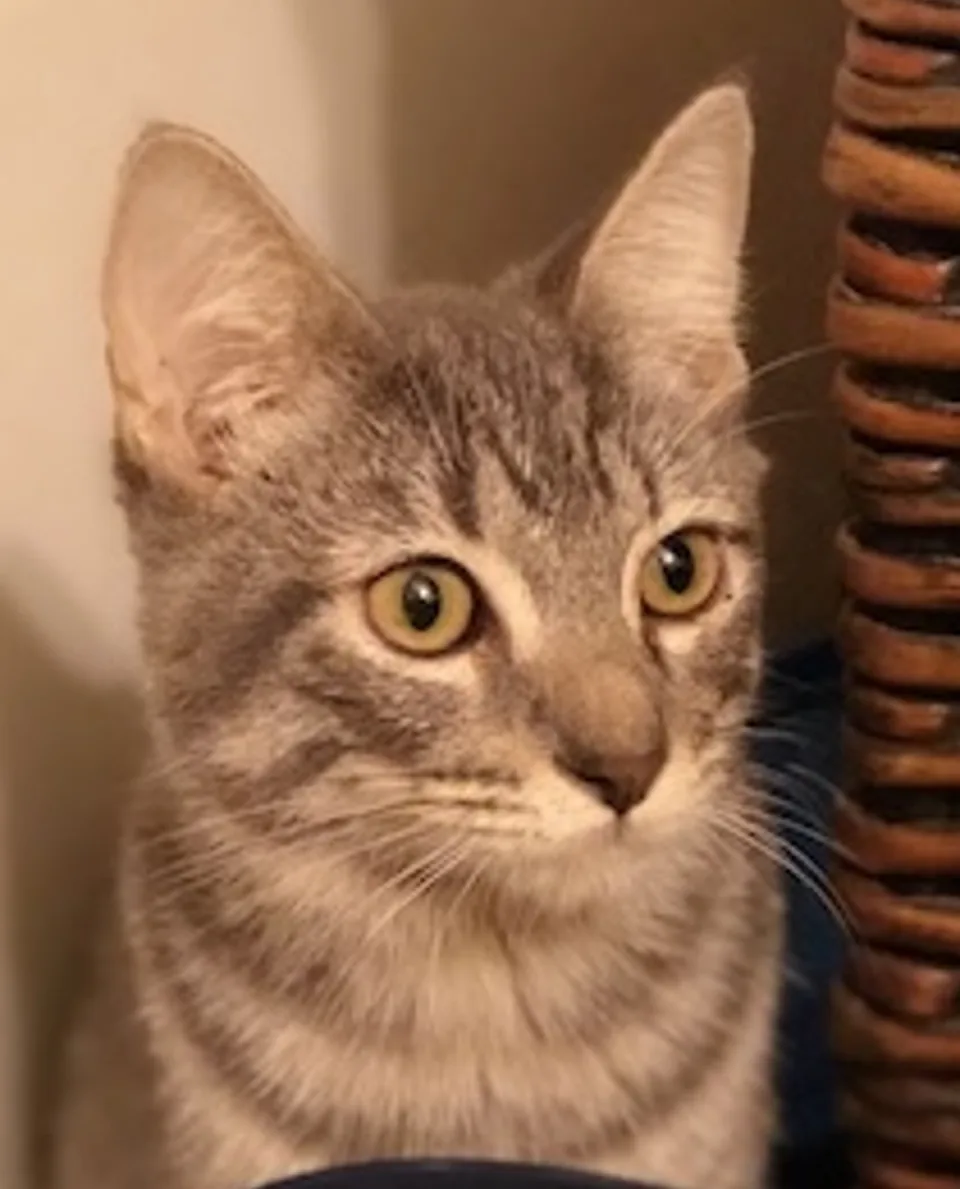
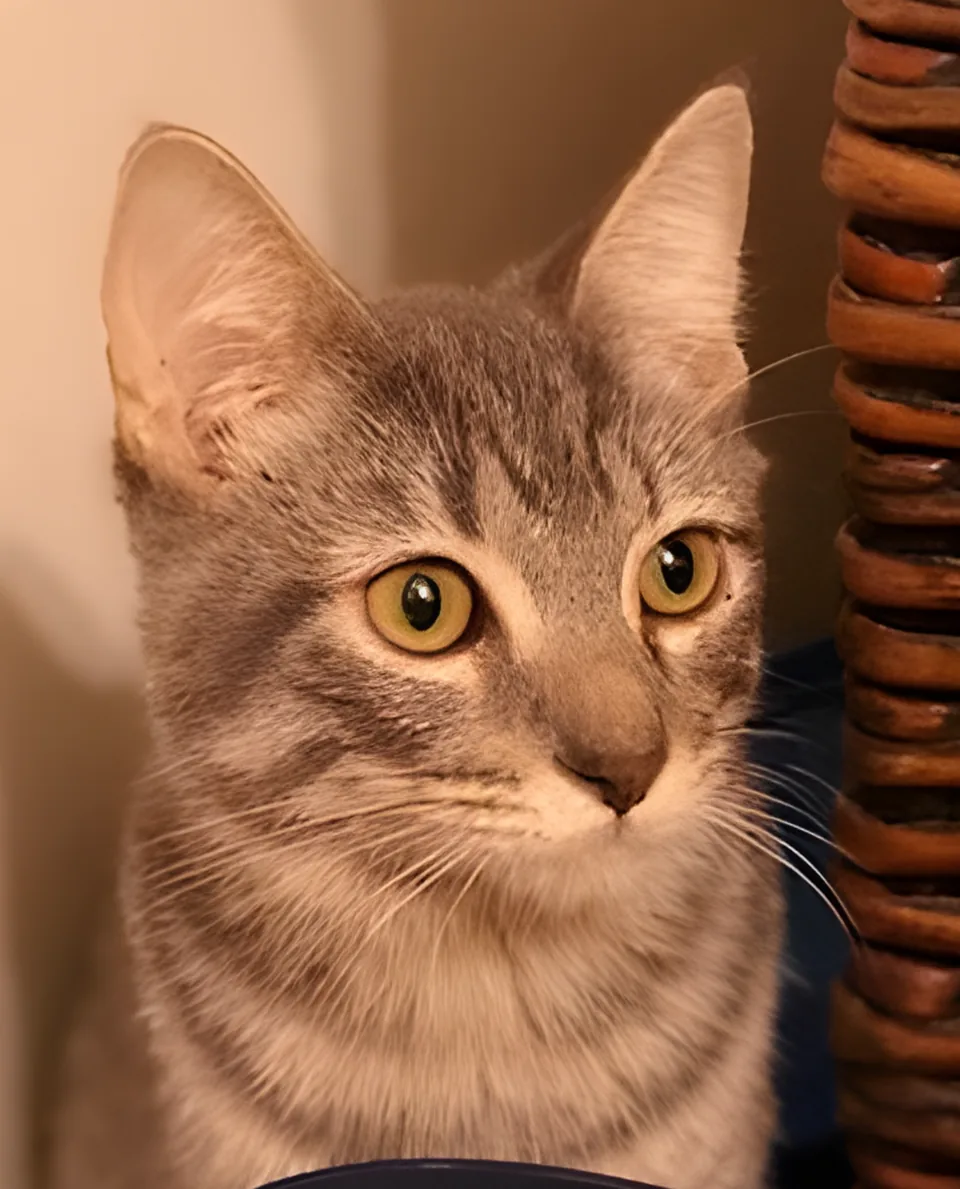
01 · upscaleUpscale
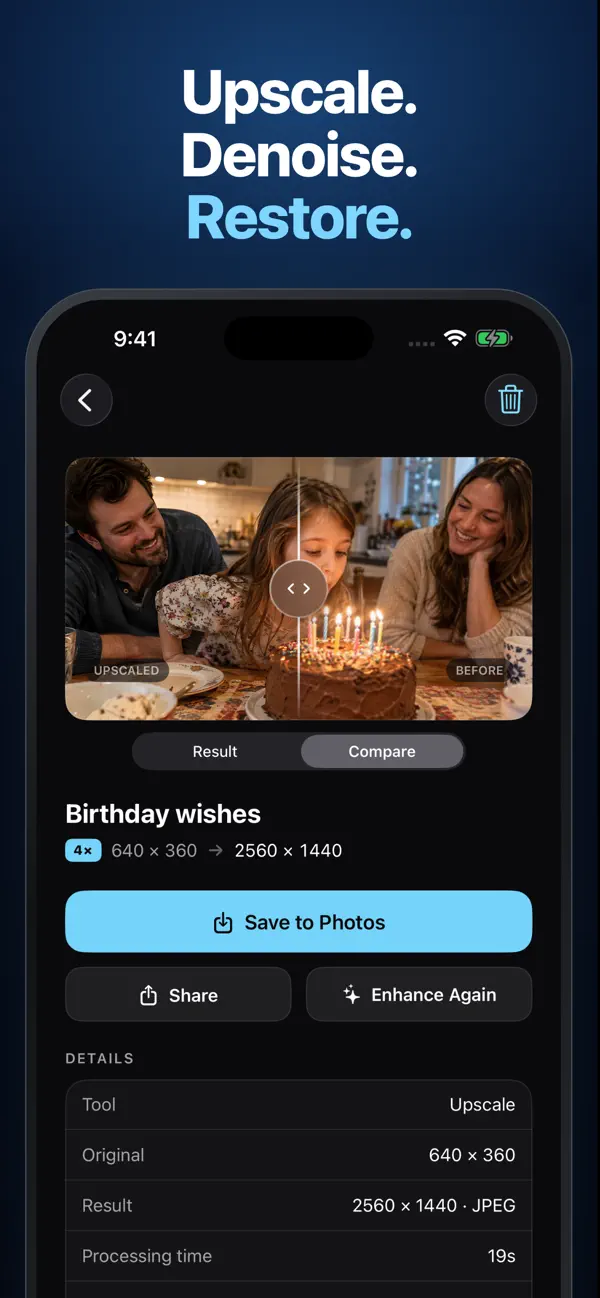
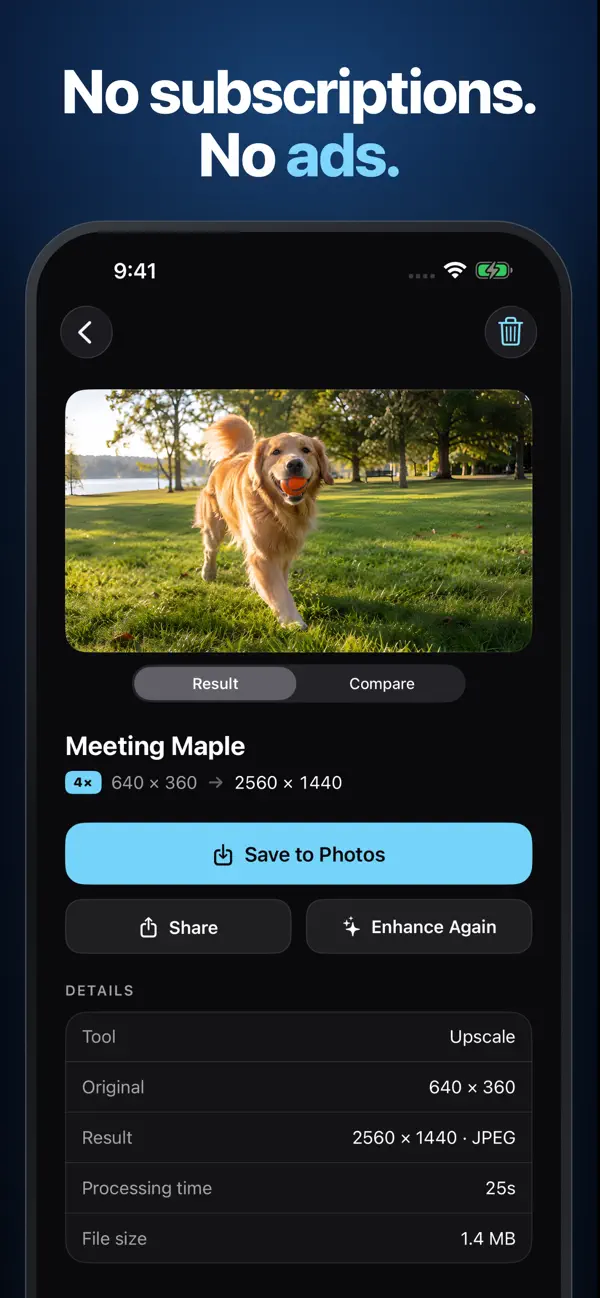
An AI model redraws the photo at four times its width and height. Best for small photos, old downloads, and tight crops.
Limit: Output is capped at about 17 megapixels. Larger photos are scaled down first. On iOS 1.1.10, very large photos may be processed at a smaller size on devices with less memory; check the actual output dimensions.
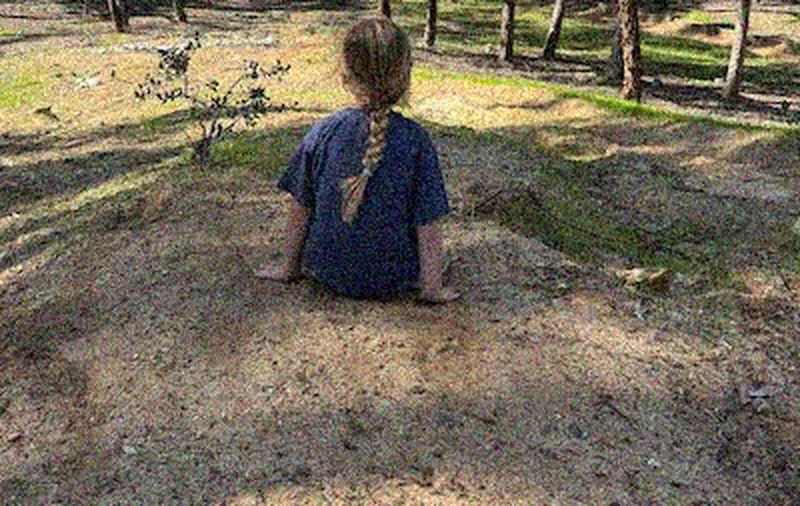
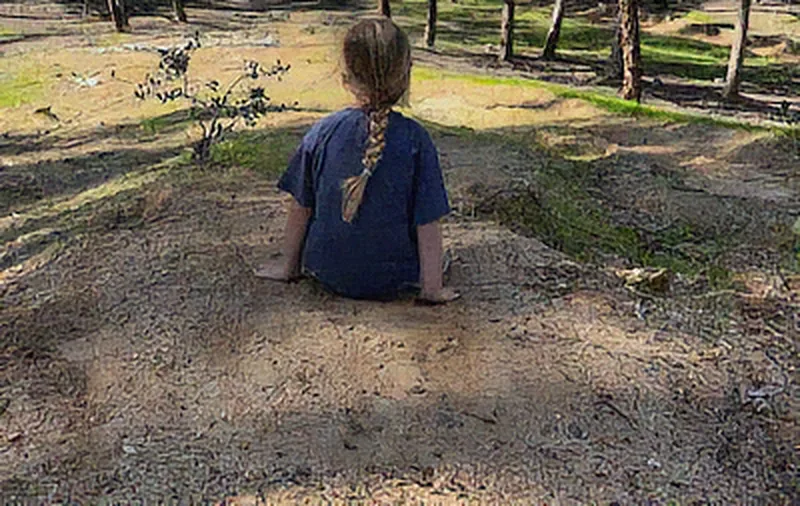
02 · denoiseDenoise
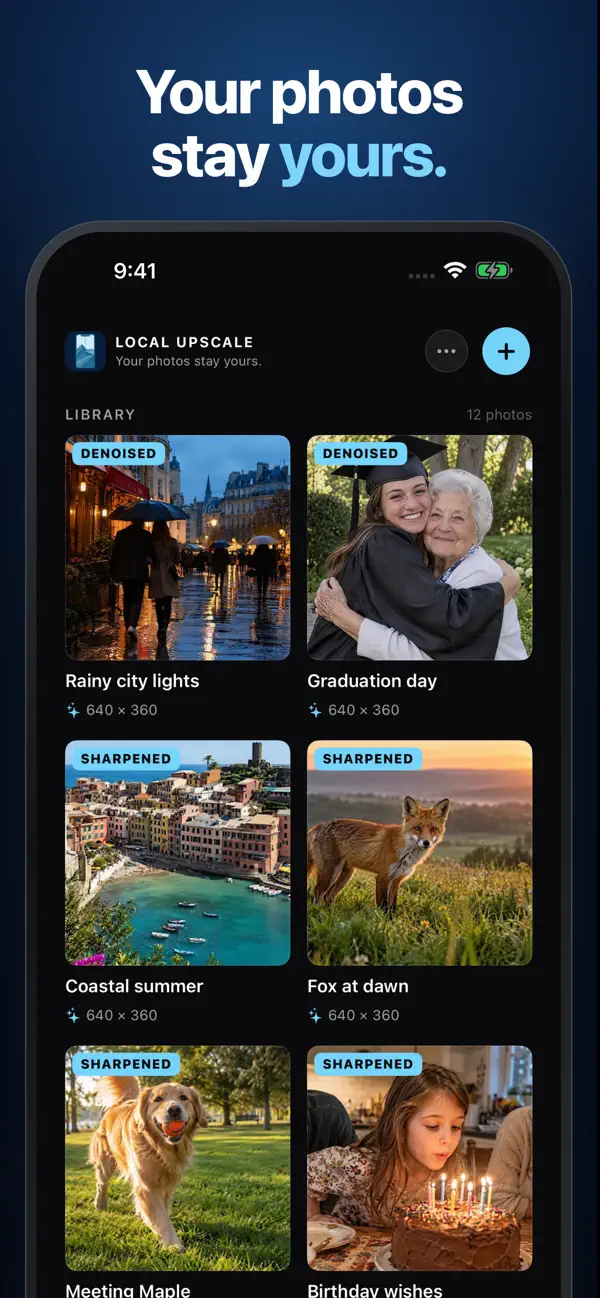
An AI denoising model smooths sensor grain and color speckle while trying to keep edges. It normally keeps the original dimensions. On iOS 1.1.10, very large photos may be processed at a smaller size on devices with less memory.
Limit: Heavy grain can come back smoother but softer. Check hair, fabric, and foliage before saving.
03 · sharpenSharpen
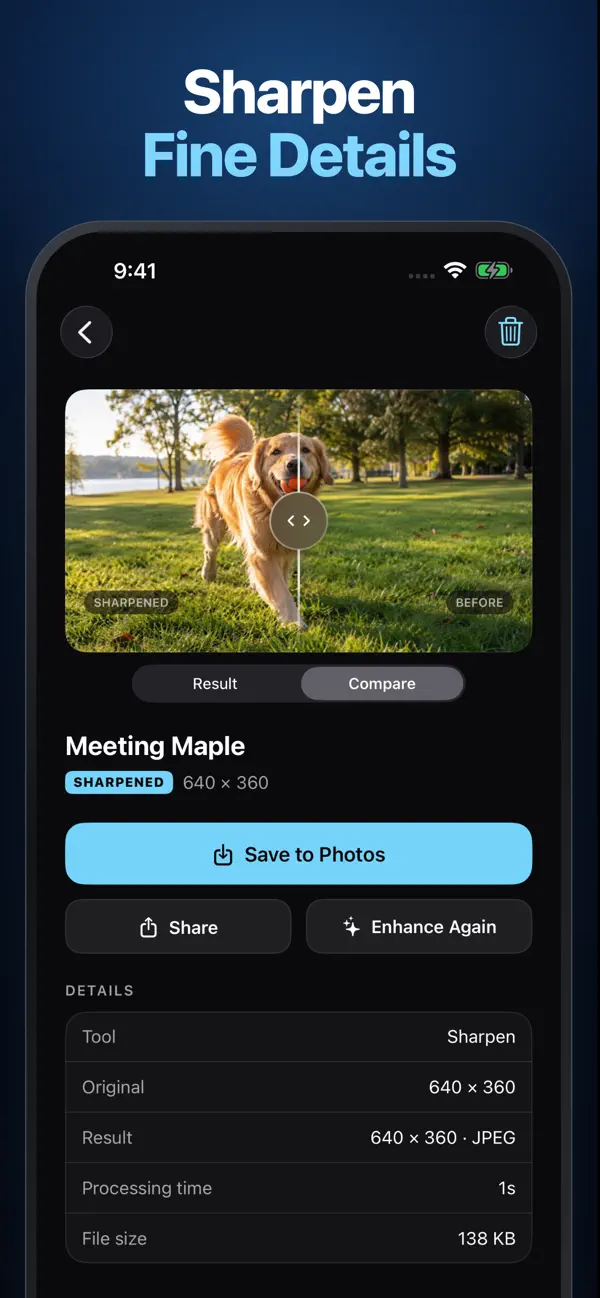
A conservative luminance sharpen for photos that are almost in focus. It normally keeps the original dimensions and colors. On iOS 1.1.10, very large photos may be processed at a smaller size on devices with less memory.
Limit: Not an AI deblur. It cannot recover motion blur or a badly out-of-focus shot.
04 · facesFaces
Finds faces in the photo and runs an AI face-restoration model on each one, then blends the result back in.
Limit: Needs a clear, visible face. AI may change fine facial details, so compare carefully for family archives.